"A biomechanical guide to desk height geometry, neutral spine alignments, and full-spectrum 98+ CRI workspace illumination."
Introduction
Software engineers and digital creators spend over 2,000 hours a year sitting at desk workspaces. Suboptimal desk geometry and flickering low-CRI lighting lead to chronic spinal disc compression, carpal tunnel strain, and visual fatigue.
Biomechanical Posture Geometry and Sit-Stand Cycles
Positioning your monitor so the top third of the screen aligns directly with eye level prevents forward head tilt (which adds up to 60 pounds of cervical spine pressure). Alternating between 45 minutes of sitting and 15 minutes of standing keeps spinal discs hydrated.
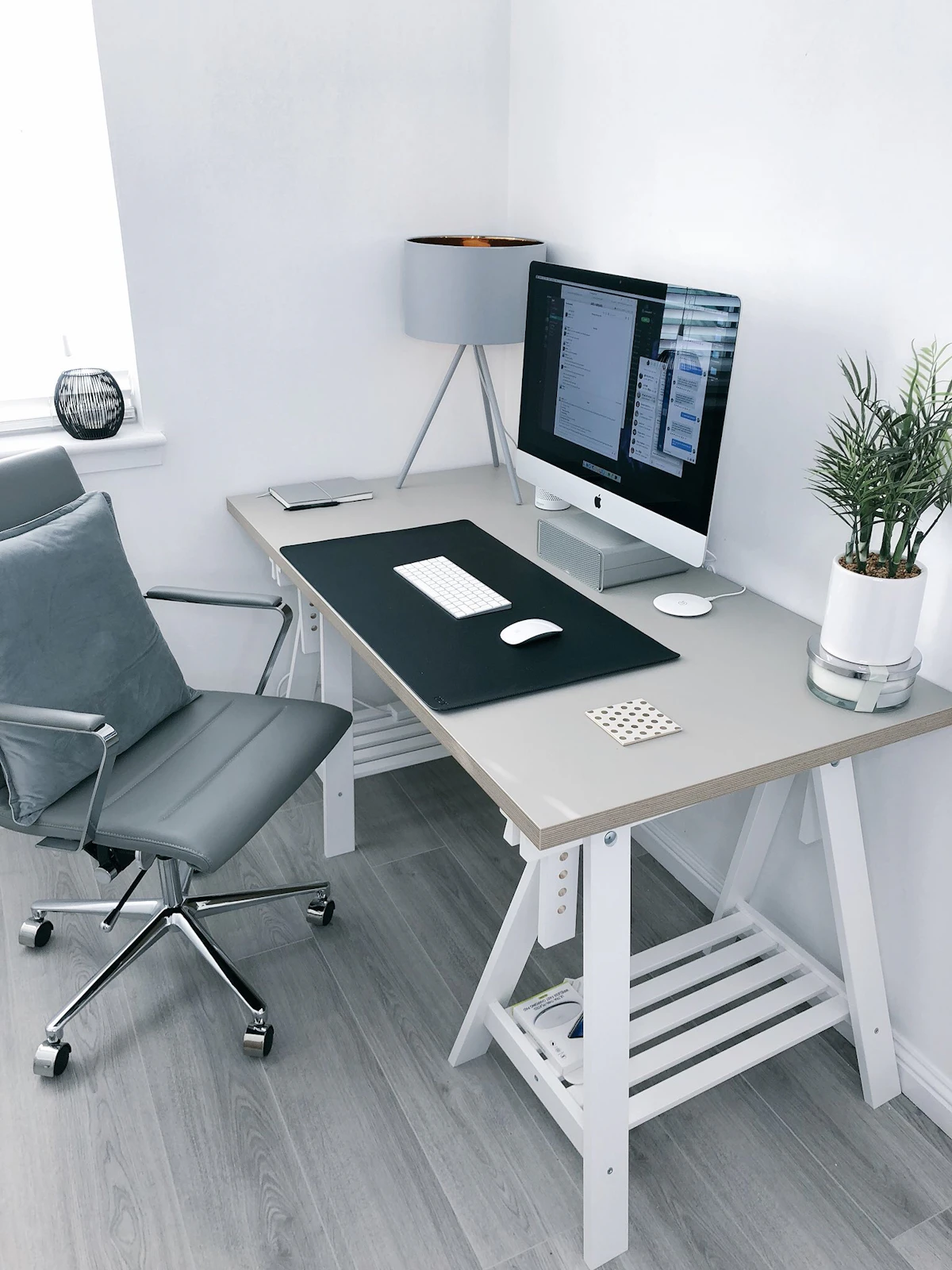
“Your workspace is the physical container for your intellect. Investing in proper ergonomic physics directly compounds your creative stamina.”
Full-Spectrum High-CRI Lighting and Flicker-Free Drivers
Standard office fluorescent tubes flicker at 120Hz and emit low Color Rendering Index (CRI < 80) spikes that strain eye muscles. Upgrading to high-CRI (98+) continuous DC-powered LED task lights reduces headaches and preserves natural visual focus.
Key Takeaways
• Elevating monitors to eye level eliminates up to 60 lbs of cervical spine compression.
• Active sit-stand transitions promote circulation and disc hydration throughout the day.
• High-CRI flicker-free lighting prevents eye strain during intensive detail work.